
Simple Strategies for Minimizing Noise in Audio Recordings
Welcome to the world of audio recordings, where every little noise can make a big impact on the quality of your final product. As a content creator or a podcaster, you know that background noise is the enemy and can ruin an otherwise perfect recording. Whether it’s the hum of your computer, the buzz of an air conditioner, or even just the sound of your own breathing, these noises can distract your audience and take away from the true essence of your content. But fear not, because in this article, we will discuss some simple strategies for minimizing noise in audio recordings. So let’s dive in and ensure that your next audio project is clean, clear, and noise-free. 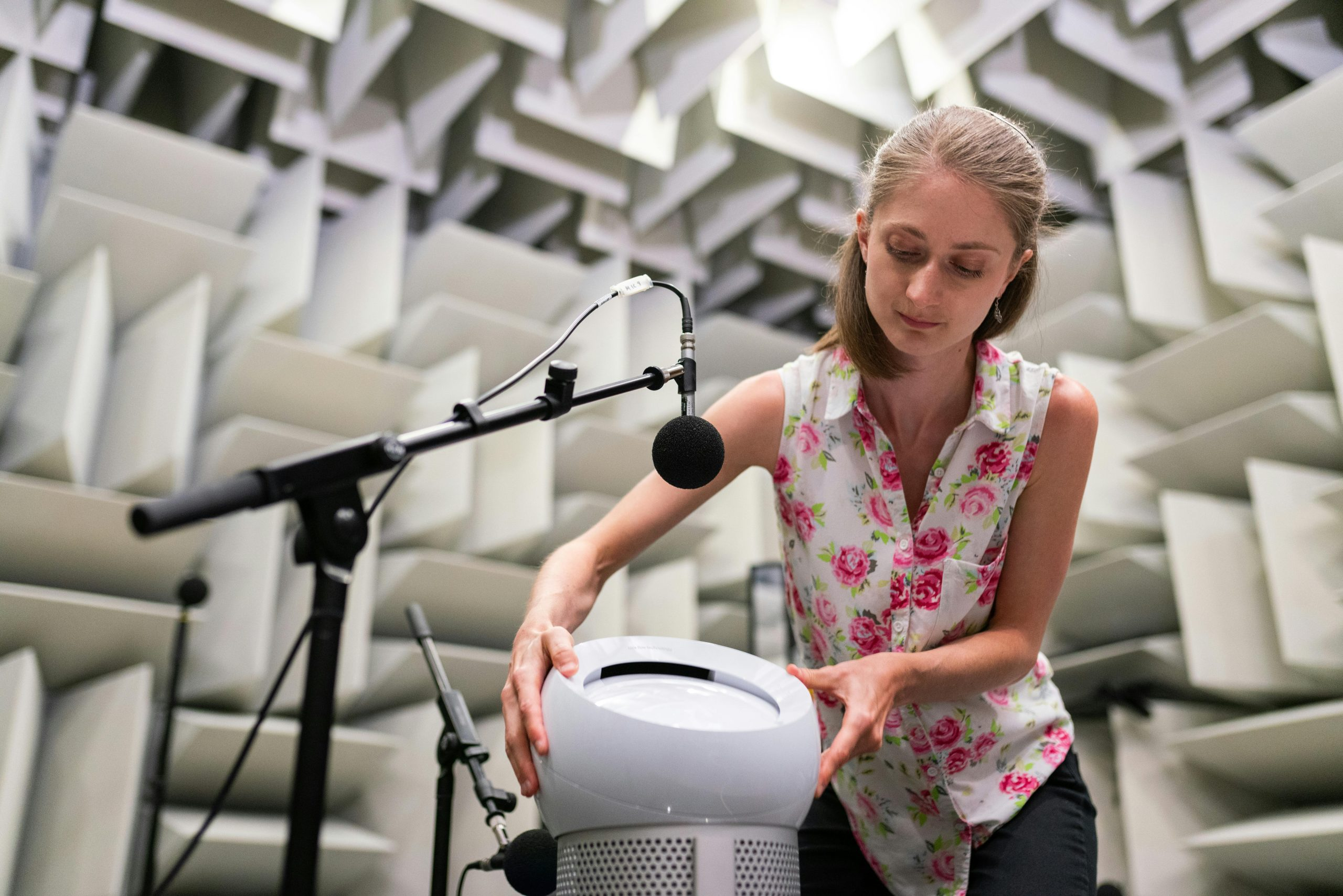
The Importance of Minimizing Noise in Audio Recordings
Before we get into the strategies, it’s important to understand the significance of minimizing noise in audio recordings. As mentioned earlier, background noise can be a major distraction for your audience and can take away from the message you are trying to convey. Moreover, it can also make your recording sound unprofessional and amateurish, resulting in a negative impact on your brand or image. Therefore, it is crucial to pay attention to the issue of noise and take necessary measures to eliminate it.
Invest in a Good Quality Microphone
The first and most important step towards minimizing noise in your audio recordings is to invest in a good quality microphone. A low-quality microphone is more prone to picking up unwanted background noise, which can be challenging to remove during post-production. On the other hand, a good quality microphone with noise-cancelling features can significantly reduce background noise and result in a cleaner and clearer recording. So, make sure to do your research and choose the right microphone for your recording needs.
Choose the Right Recording Space
The location where you record your audio can also have a significant impact on the amount of background noise in your recording. Avoid recording in a noisy environment, such as a coffee shop or a busy street, as these places are filled with unwanted sounds that can leak into your recording. Instead, opt for a quiet and controlled space, such as a studio or a quiet room in your house, to minimize external noise and ensure a clean recording.
Use Soundproofing Materials
Even in a quiet space, some external noises can still find their way into your recording. This is where soundproofing materials, such as acoustic panels or sound blankets, can come in handy. These materials absorb sound waves and prevent them from bouncing off the walls and creating echoes or unwanted background noise. They can be easily mounted on the walls or even placed around your microphone to block out external noises and improve the overall quality of your recording.
Edit and Clean Up Your Audio
After recording, it’s important to spend some time editing and cleaning up your audio. This is where you can use various software and tools to remove any remaining background noise from your recording. You can use a noise gate to cut off any sounds below a certain threshold, or use a noise reduction plugin to remove any specific frequencies that are causing unwanted noise. However, it’s crucial to be cautious while using these tools, as excessive noise reduction can result in an unnatural and robotic sound.
Minimize Noise While Recording
In addition to these post-production strategies, there are some things you can do while recording to minimize noise in the first place. For starters, make sure to turn off any electronic devices that are not needed for the recording. This includes phones, TVs, and even fans or air conditioners. Moreover, try to sit still and avoid any movement or shuffling of papers or your feet, as this can also create unwanted noise. These small precautions can go a long way in producing a clean and noise-free recording.
Conclusion
In conclusion, noise in audio recordings is a common problem that can significantly affect the quality of your content. However, by following these simple strategies, you can minimize noise and produce a clean and professional recording. Remember to invest in a good quality microphone, choose the right recording space, use soundproofing materials, and spend time editing and cleaning up your audio. With these tips and tricks, you can ensure that your next audio project is free from any distracting background noise and is of the highest quality. Happy recording!